
Push a branch. Get a live URL.
A real container, a real HTTPS address, a real PR comment — for Django, Rails, Laravel, Go, .NET, Rust and anything else that builds. We detect the framework and build the container for you. No Kubernetes, no YAML, no per-seat bill.
Already convinced? Sign in with GitHub — free, no credit card.
Stages in order, not to scale — no per-stage timing is claimed here. What is fixed: a real container per branch, its own HTTPS certificate, and an expiry you don't have to remember.
Works with your actual stack
PreviewDrop detects your framework from the repo and builds the container for you — no Dockerfile to write.
Any language. Any framework. If it builds, PreviewDrop previews it.
Already using something else?
When PreviewDrop wins — and when it doesn't
Honest comparisons against the tools you're already paying for. If you ship Next.js to Vercel and only need frontend previews, you probably don't need this. If your backend is Django, Rails, Laravel or anything Python-based, read on.
Built by backend devs who got tired of docker-compose up on every PR review. Made by Global Software Development EU in Bucharest, Romania. Runs on Hetzner in Germany.
What you actually get
Specs & pricing, no spelunking required
Flat per-workspace pricing. No per-seat fees, no surprise overages, no “contact sales” wall. Same container, same build pipeline on every plan — what changes is concurrency, TTL, memory, and seats.
| Plan | Free | Startermost picked | Pro | Team |
|---|---|---|---|---|
| Per month | $0 | $19 | $79 | $149 |
| Concurrent previews | 2 | 5 | 20 | 40 |
| Container memory | 256 MB | 512 MB | 1 GB | 2 GB |
| Preview lifetime | 4 h | 24 h | 3 days | 7 days |
| Projects | 3 | 10 | Unlimited | Unlimited |
| Team seats | 1 | 3 | 10 | 25 |
| REST API + CLI | — | ✓ | ✓ | ✓ |
| Password-protected URLs | — | — | ✓ | ✓ |
| Custom preview domains | — | — | ✓ | ✓ |
Isolation
One container
Per branch, not per repo
Runtime
Container
Stack auto-detected
Network
HTTPS + auto-TLS
Issued per preview
Region
EU
Hetzner, Germany
Why we built this
Vercel solved this in 2018. The rest of us got “use staging”.
Next.js devs have had “every PR gets a live URL” for years. Django, Rails, Laravel, FastAPI — you got “ssh into staging”, “ngrok the dev box”, or a 600-line GitHub Actions file that breaks the first time someone pushes a binary asset.
We built PreviewDrop because we wanted what Vercel ships, on the stack we actually work on. A real container, a real HTTPS URL, a real PR comment, in about a minute for many apps. No Kubernetes. No per-seat pricing. No terraform apply just to review a feature.
We're opinionated about the stack: flat workspace pricing because per-seat pricing punishes you for growing a team; auto-expiry by defaultbecause nobody should be paying for a preview that's been zombie-running for three weeks; MCP-native from day one because the next generation of devs will deploy from Claude or Cursor, not from a dashboard.
If your backend is Docker-shaped and your CI/CD is held together with cron jobs and YAML, this is for you.
Every PR gets a live preview link, automatically.
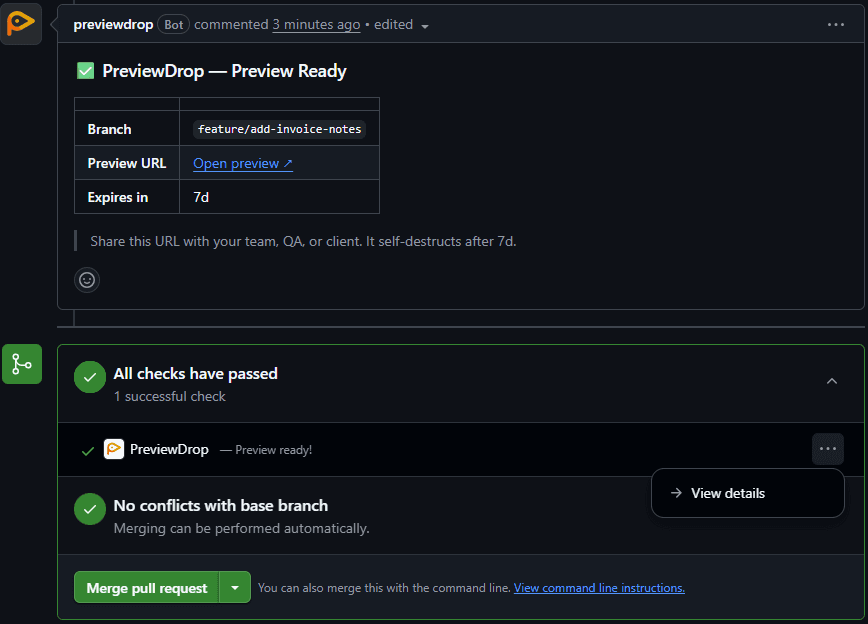
Open a pull request on GitHub — or a merge request on GitLab with automation enabled — and PreviewDrop posts a bot comment with the preview URL, build status, branch, and commit — before your reviewer even clicks through.
Previews on your own domain. Certificates on us.
Serve previews at prv-a8c2f9.previews.yourcompany.com instead of a vendor URL. You add three DNS records once — PreviewDrop verifies ownership, then issues and renews a wildcard TLS certificate for your domain automatically. No nameserver change, no certificate uploads, and we never get access to your DNS provider.
The link your client opens carries your brand — not a hosting vendor's. Same passwords, same auto-expiry, same QR codes, on your domain.
The whole setup — three records
GitLab, connected read-only.
Connecting GitLab asks for two read-only scopes — read_api and read_repository. Enough to list your projects, clone a branch and build it. Nothing can be written to your GitLab. Webhooks and merge-request comments need GitLab's full api scope, so that is a separate button you press — never the default.
A preview tool should not hold write access to your code host just to show you a URL.
PreviewDrop is requesting access to your account on GitLab.com.
What the default connection asks for
read_api
Read access to the API — list projects and branches.
read_repository
Read-only access to the repository — clone and build.
Not asked for unless you click this
api · webhooks + MR comments
GitLab's only write scope. Optional, per workspace, reversible.
Shown as Connected · read-only or Connected · automation in Settings → Integrations.
What you actually get
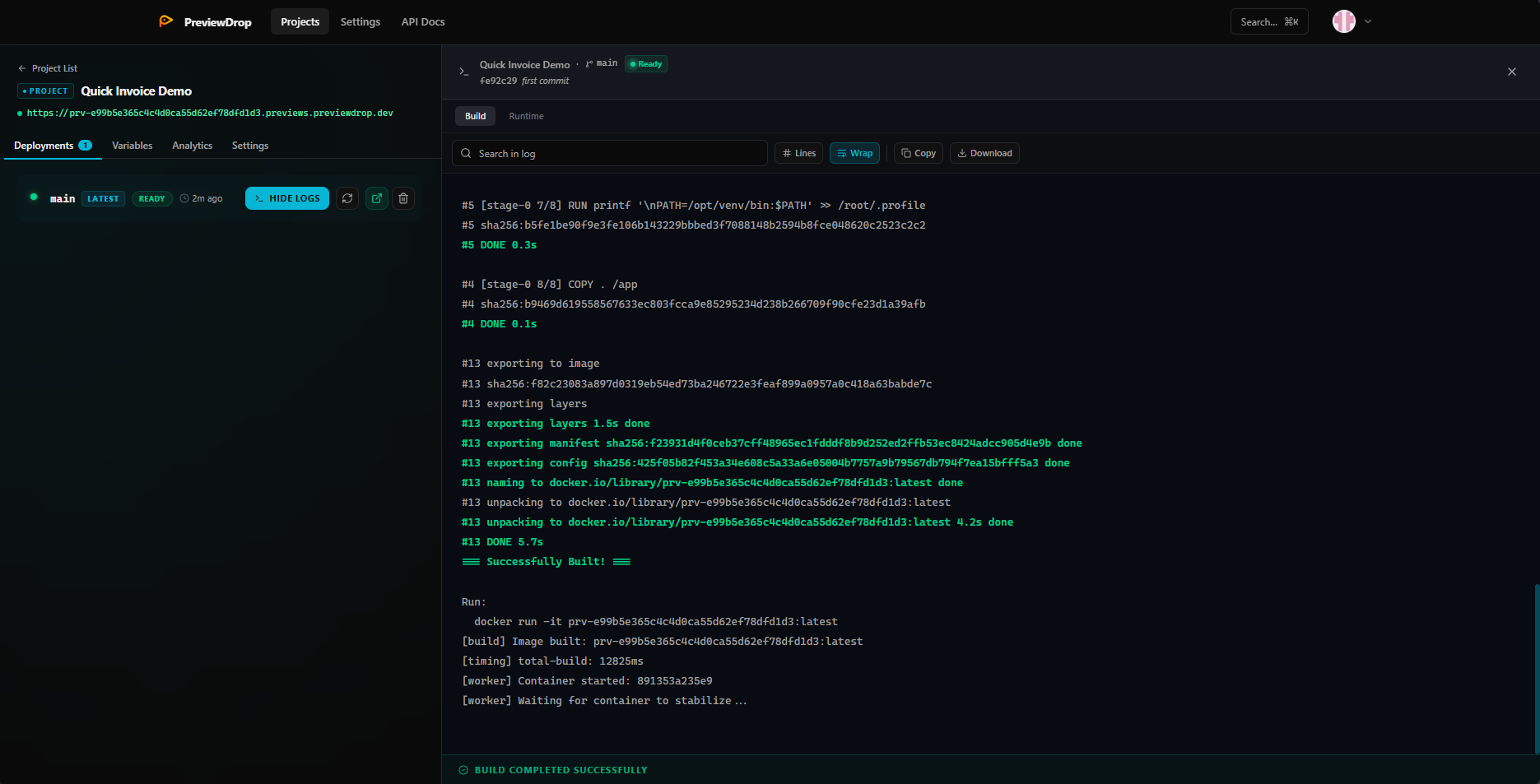
One project page per repo. Every deployment with its commit, status, preview URL, and full build log streamed live over WebSocket — searchable, copyable, downloadable.
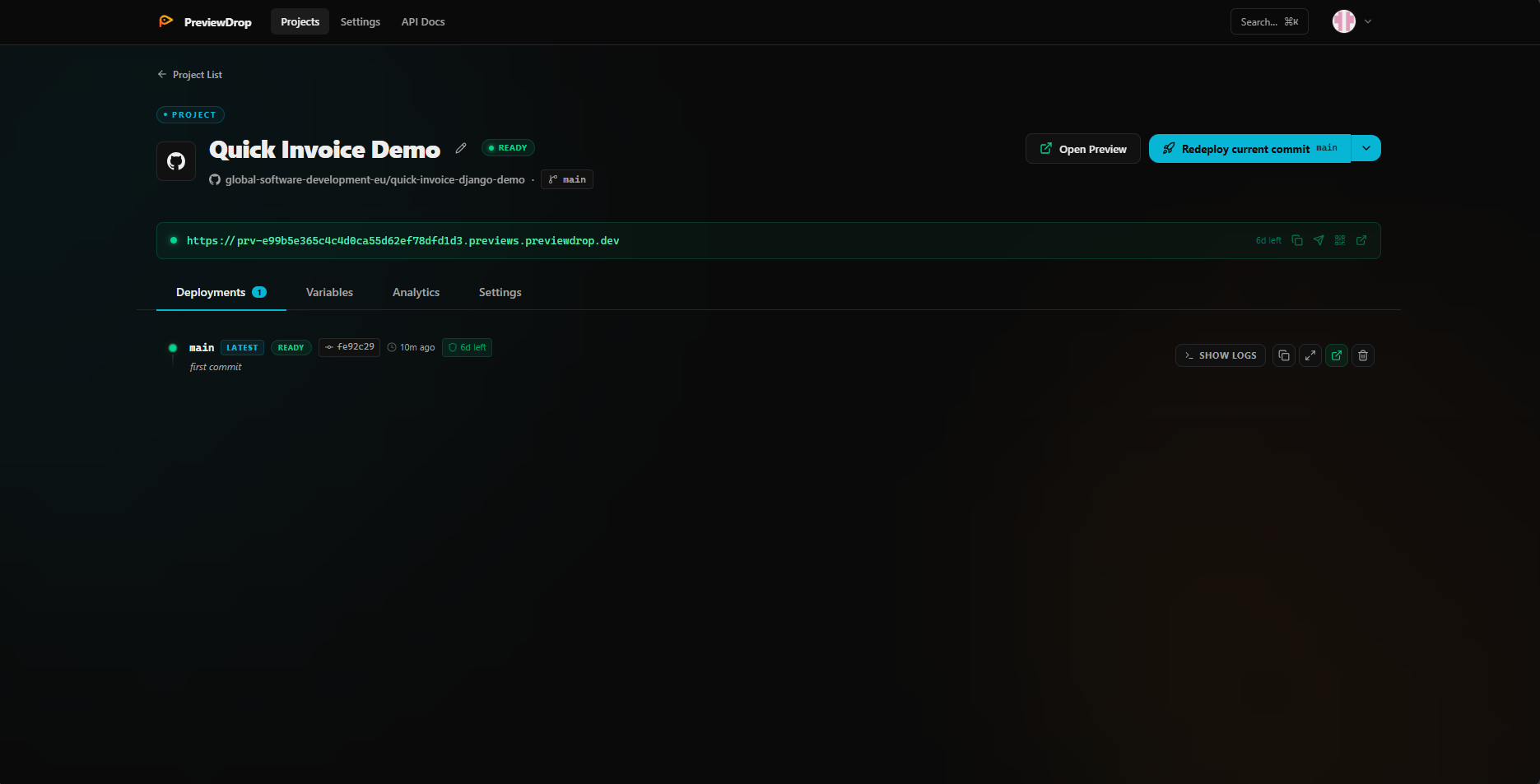
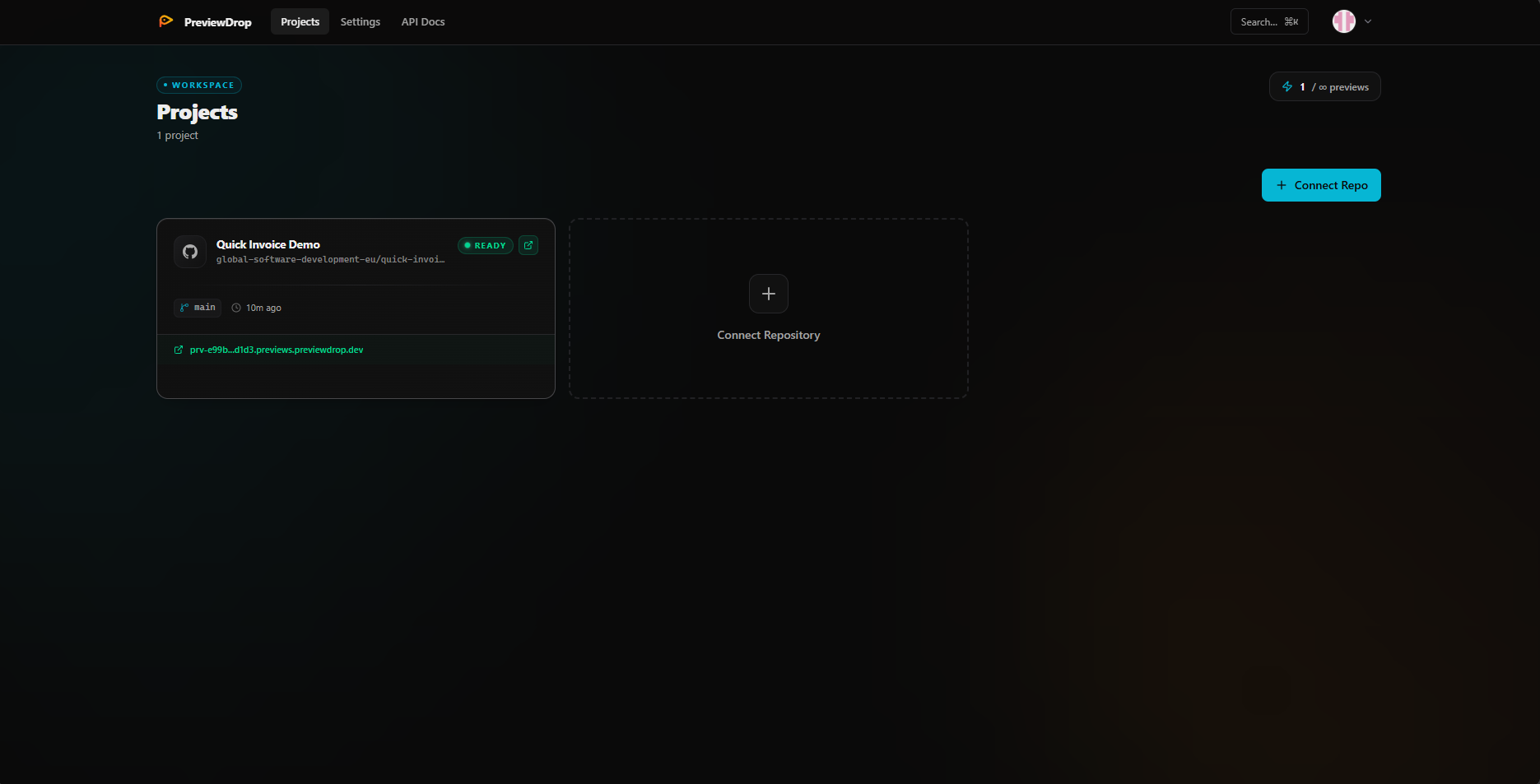
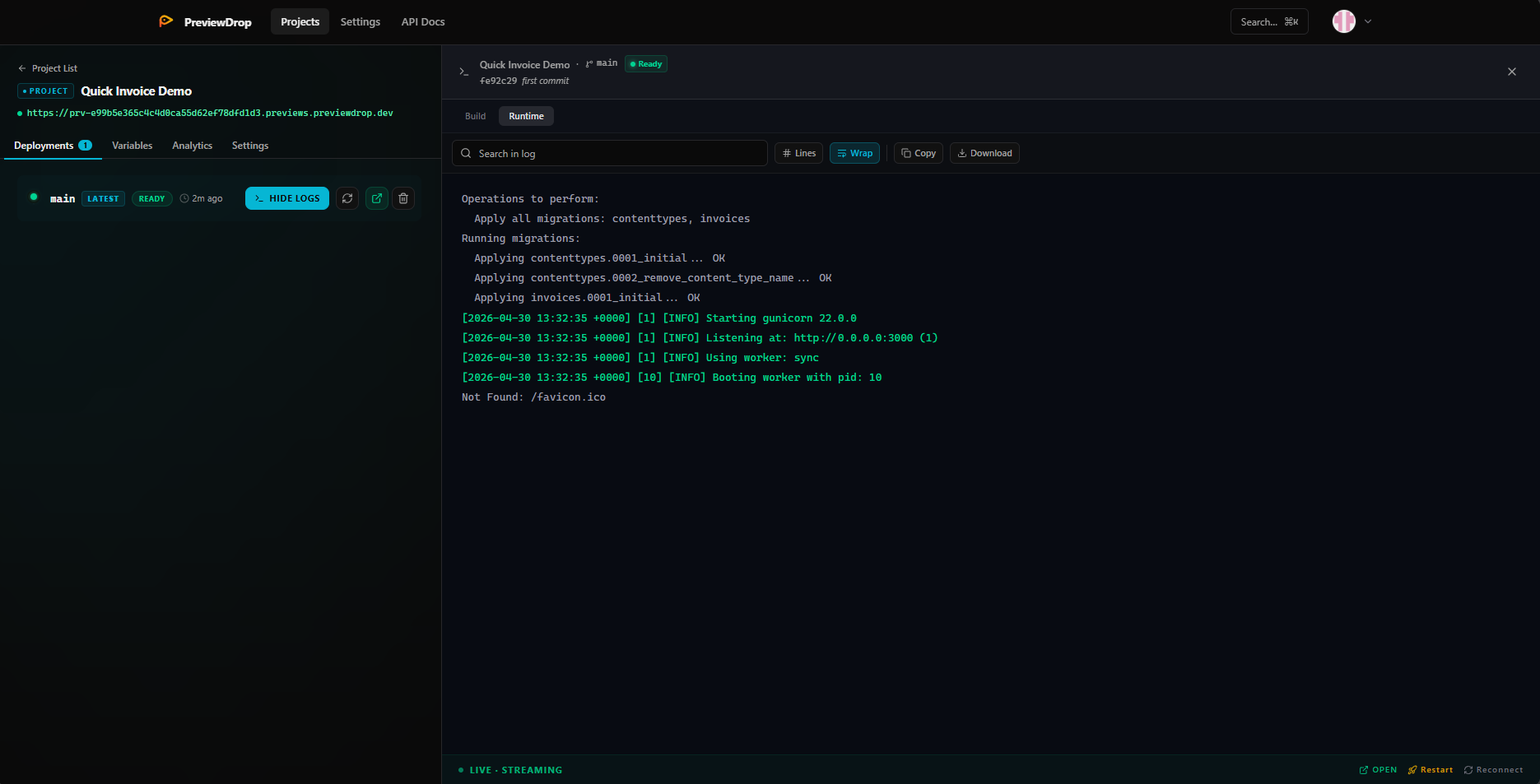
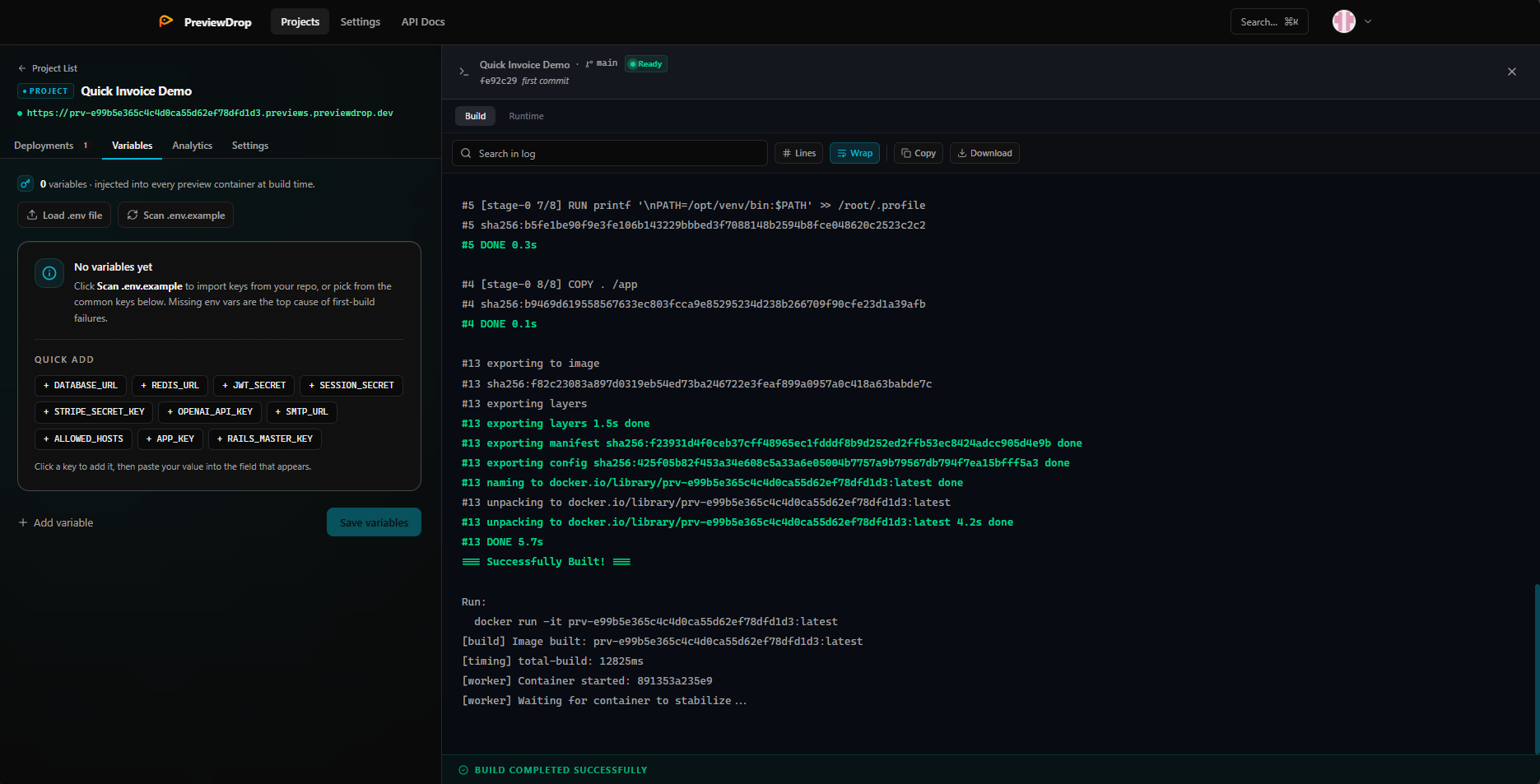
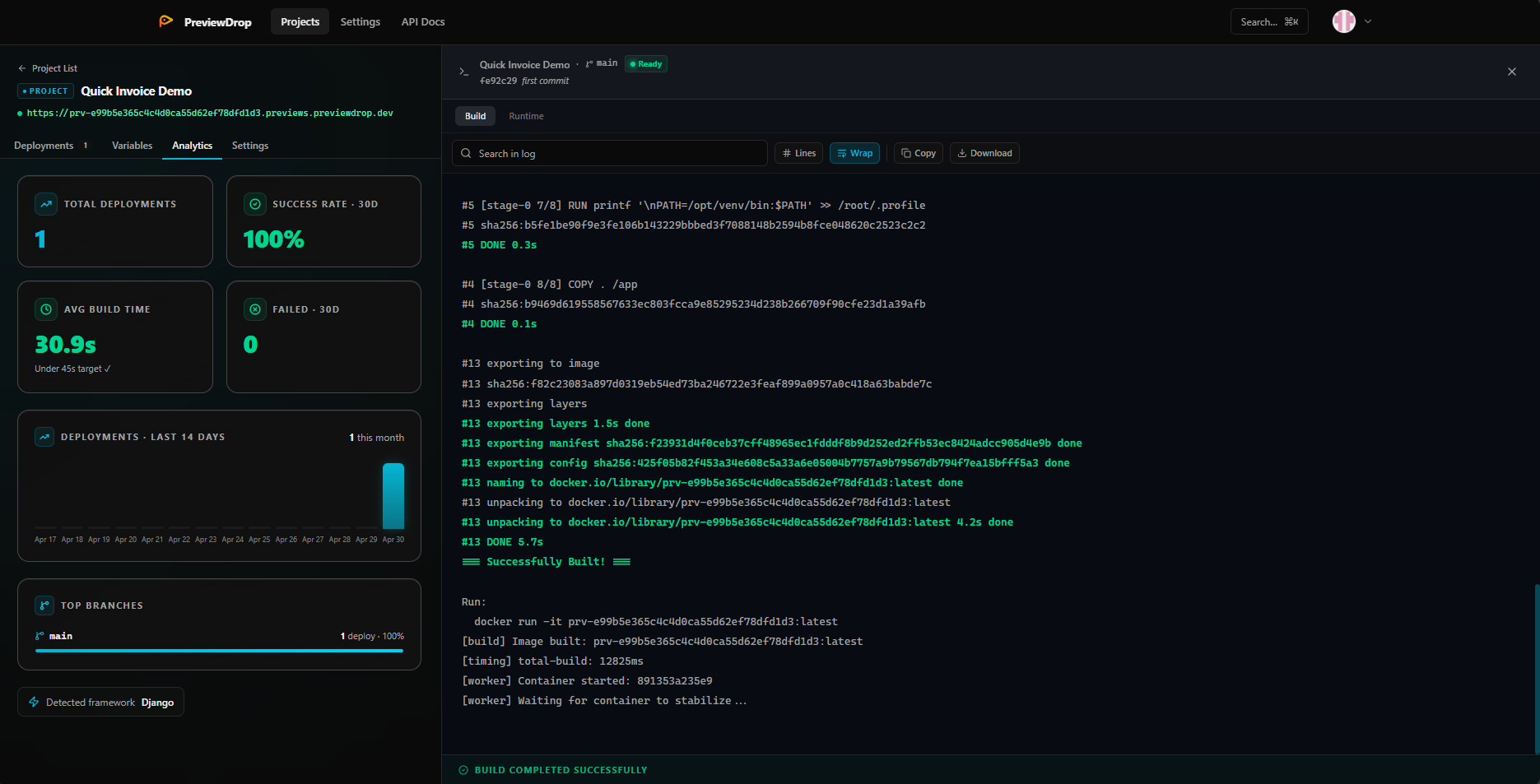
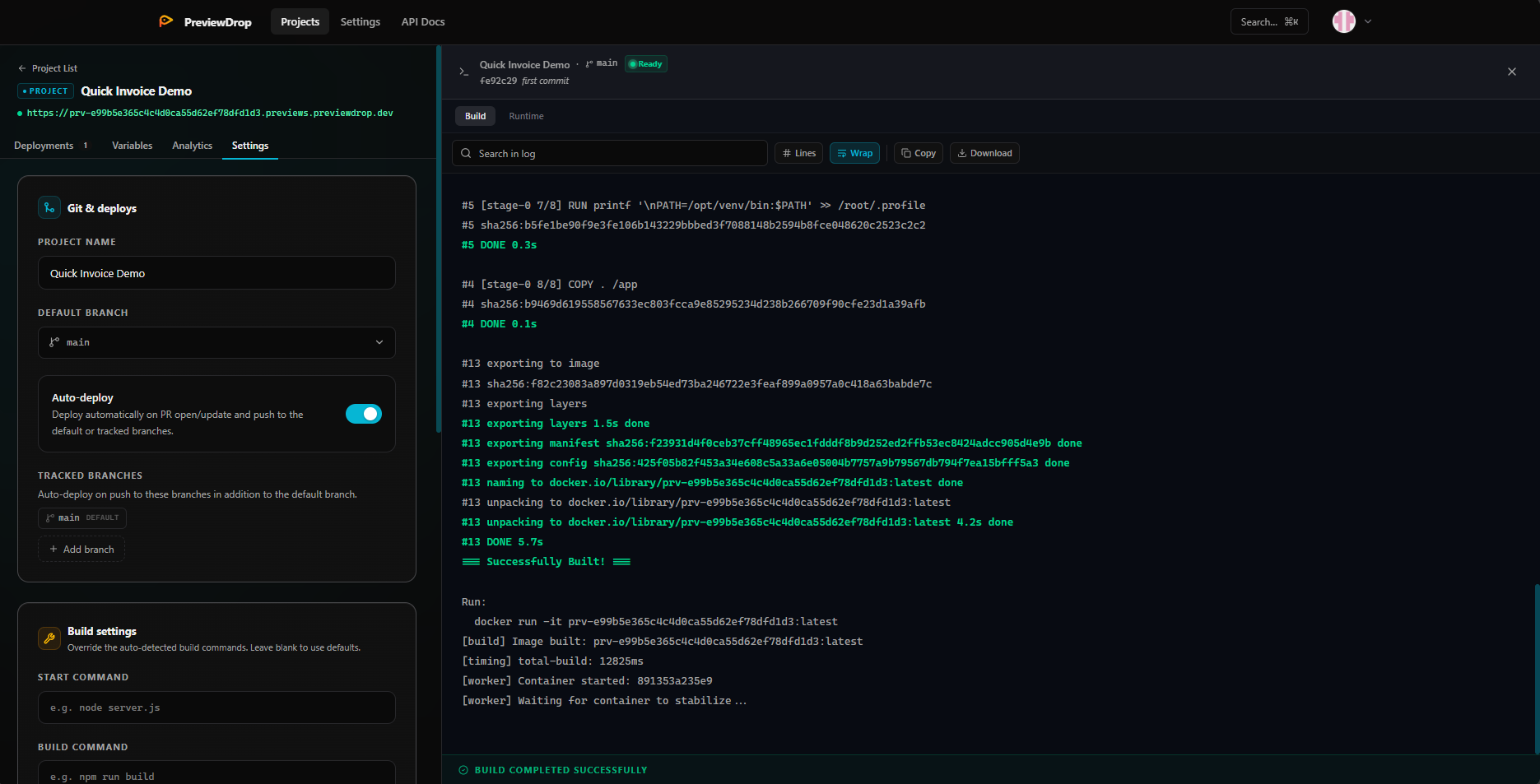
Every deployment with commit, status, preview URL, and TTL.
Done! Your preview is live:
Status: ready · Built in 47s
Let your AI agent deploy, inspect, and destroy previews.
The official PreviewDrop MCP server gives Claude, Cursor, and any MCP-compatible AI agent full control over your preview environments — no copy-pasting URLs, no tab-switching.
11 tools your agent can call
previewdrop in the MCP Servers panel — one-click install.npx previewdrop mcpPassword-protected, auto-expiring, QR-ready share URLs.
Every branch preview — and every PR preview — gets a password-protectable HTTPS URL with a built-in QR code and a TTL. Hand a client or QA a single link without spinning up a staging server or leaving ngrok open all night.
Send clients a password-protected link that self-destructs after their review. No staging servers, no ngrok tunnel open all night, no leftover URLs indexed by Google.
Test on device
Scan to open the preview on your phone. Great for checking responsive layouts without a Ngrok-style tunnel.
Wire up CI/CD
in minutes
Once you have a PreviewDrop account, run one command from your project root. Our setup script detects your repo, writes the GitHub Actions workflow, and prints the secret to add. Done.